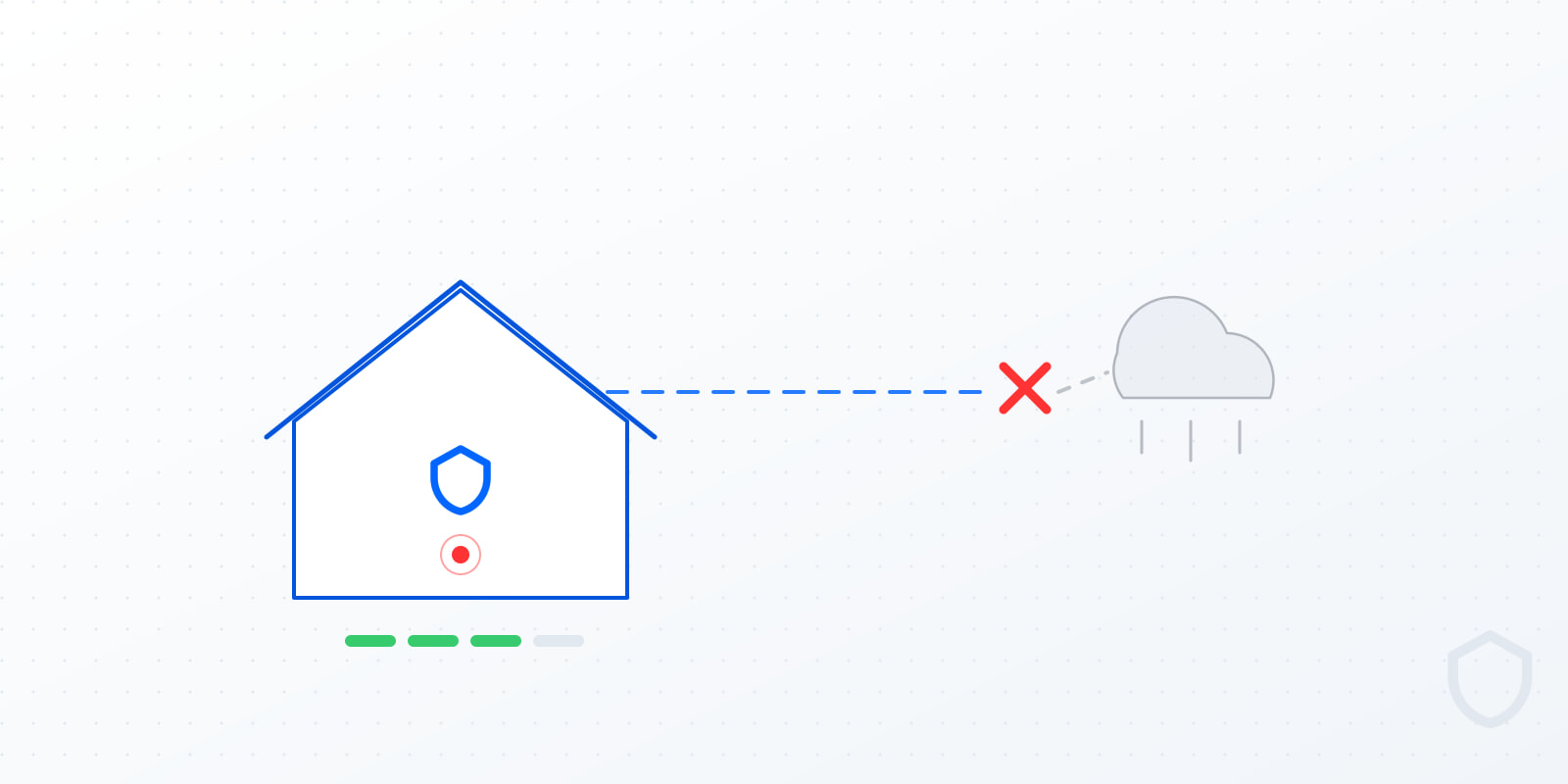
It depends entirely on where the camera records to. A camera that records to local storage keeps recording without internet. A camera that records to the cloud usually stops — because the internet was the recording path, not just the viewing path.
Most people never check which kind they own. They find out during an outage, which is exactly the wrong time.
The three things internet is used for
Untangling these explains almost every confusing answer you will get from a manufacturer.
- Recording — writing the video somewhere. Local storage needs no internet at all. Cloud storage needs it continuously.
- Analysis — deciding whether that motion was a person, a car or a cat. Cloud AI needs the connection. On-device or on-hub AI does not.
- Notification — telling your phone. This genuinely needs some connection, but that can be cellular rather than home broadband.
A system can be offline-capable for one of these and useless for the others. The question to ask is not "does it work without wifi" but "which of those three survives?"
The four scenarios that actually happen
| Situation | Local system | Cloud system |
|---|---|---|
| Internet down, power on | Records and analyses normally; alerts wait or route over cellular | Typically stops recording; no analysis; no alerts |
| Power down, no battery backup | Nothing records | Nothing records |
| Power down, with a UPS | Keeps running for the battery's duration | Still needs internet, which is usually also down |
| Wifi router fails | Unaffected if cameras are wired | Down |
That third row is the one people miss. A UPS on a cloud system often does not help, because the outage that took your power also took your modem — and your cameras needed the modem to record.
The security problem nobody mentions
An internet outage is not a random inconvenience. It correlates with the exact moments you most want footage.
- Storms, which knock out power and lines together.
- Power cuts, which take your modem with them.
- A deliberate cut. A visible coaxial or fibre line at the side of a house is not a hard thing to interrupt, and disabling the recording is a reasonable step for anyone who has thought about it for five minutes.
If your cameras stop recording when the connection drops, then anyone who understands your setup has a straightforward way to turn them off from outside your house without touching them. That is a design consequence, not a malfunction — the system is behaving exactly as built.
How to tell which kind you have
Four checks you can run yourself this afternoon:
- Look for local storage. A microSD slot, a hard drive, an NVR box. If there is nowhere in your house for video to be written, it is going to the cloud.
- Check whether you pay monthly for recordings. If storage is a subscription, storage is remote.
- Test it. Unplug your modem — not the cameras — for ten minutes, walk in front of a camera, plug it back in, and check whether that period exists in your history. This is the definitive answer and it takes ten minutes.
- Read the app's offline message. "Camera offline" for a powered camera sitting on a working local network tells you the app was only ever talking to a server.
Run test three. Manufacturer marketing is frequently ambiguous on this point; your own footage history is not.
How NoBreak handles it
The Brain Box — a compact Beelink EQR6 in your utility room — is both the recorder and the analyser. Cameras stream to it over your own network, Frigate NVR writes to local storage, and two local AI models do the detection and reasoning on that same machine.
So during an internet outage:
- Recording continues. The storage is in the building.
- AI detection continues. Critical classification runs in under 2 seconds and contextual analysis in under 15, and neither call leaves the house.
- Sensors keep reporting to the Brain Box — doors, windows, motion.
- Notifications are the only part that needs a path out, and that can route over cellular backup.
Nothing about the analysis degrades, because there was never a server in the loop to lose.
Power outages: the harder problem
Internet is the easy half. Power is the real one, and it is worth being blunt: if the power is out and there is no battery, nothing records. That is true of every system on the market including ours.
What changes the outcome is a UPS — a battery that keeps the hub and network gear running through a cut. NoBreak includes a CyberPower UPS from the Professional tier upward, which keeps the Brain Box and its storage alive through the short outages that make up the overwhelming majority of them.
Two things worth planning while you are thinking about it:
- Wired PoE cameras draw their power over the network cable, so a UPS on your switch keeps the cameras themselves up too. Battery wifi cameras are on their own.
- A long outage will eventually win. A UPS is measured in minutes to hours, not days. Sizing it honestly is part of the install conversation rather than something to discover afterwards.
So do you need internet for a security camera?
To record: no, if it records locally. To analyse: no, if the AI runs on your hardware. To get a phone alert while you are out: yes, some path — but that can be cellular rather than your home line.
The system worth owning is the one where losing the connection costs you the notification and nothing else. Everything that matters — the recording, the detection, the evidence — should already be happening inside your house.
If you want to know how your current setup would actually behave, that is a reasonable thing to ask about on a free 15-minute call. We serve Toronto and the GTA, and we will tell you honestly if what you have is already fine.
Frequently asked questions
Do security cameras work without internet? Cameras that record to local storage keep recording and, if the AI runs locally, keep detecting. Cameras that record to the cloud usually stop entirely, because the internet connection was the recording path rather than just the viewing path.
Do security cameras work during a power outage? Not without a battery backup — no system records with no power. A UPS keeps the hub, network gear and PoE cameras running through short outages, which covers the large majority of them. NoBreak includes a CyberPower UPS from the Professional tier up.
Can someone disable my cameras by cutting the internet? If your cameras record to the cloud, effectively yes — cutting an external line stops the recording without anyone touching a camera. Locally-recording systems are unaffected, because the storage and analysis are inside the house.
How do I know if my camera records locally? Unplug your modem for ten minutes, walk in front of the camera, then reconnect and check whether that period appears in your history. Also look for a microSD slot, a hard drive or an NVR, and check whether you pay a monthly fee for recordings.
Do I need wifi for a security camera? Not for recording, if it writes to local storage — and wired PoE cameras do not use wifi at all. You need some outbound path for phone notifications while you are away, but that can be cellular backup rather than home broadband.
What happens to NoBreak during an outage? Recording, sensor reporting and AI detection all continue, because the Brain Box in your home is doing that work. Only push notifications need an outbound connection, and that path can route over cellular.